

Study with only the channels you chose.
Study mode is an allow list with a timer. Pick what you are studying, plan your rounds and breaks, and while a round runs only the channels and topics in your plan show up. Your Blocklist still applies, and during a round rules can only get stricter, never looser.
- 1
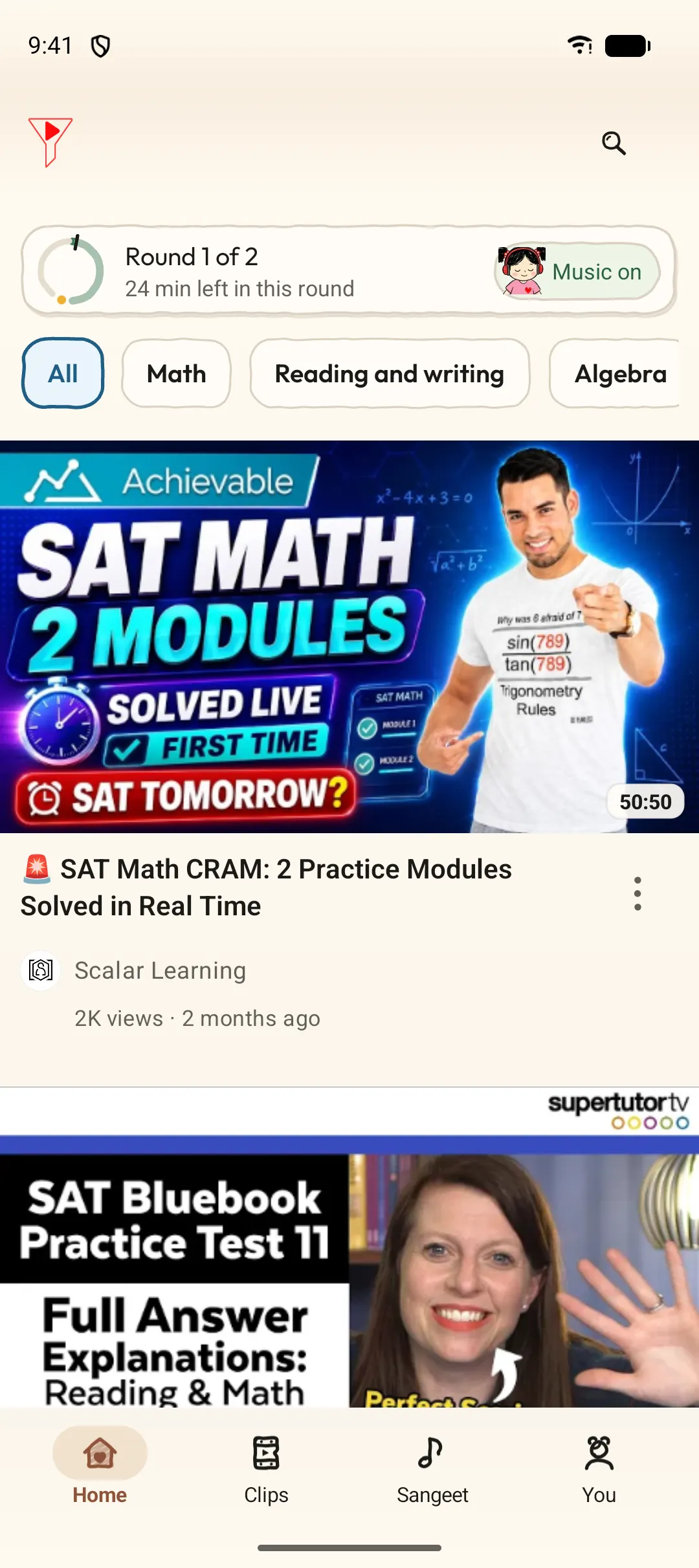
Pick what you're studying
Start with your country, then choose ready-made packs for exams, school classes and skills (415 packs with more than 3,000 channels across 81 countries, including 53 degree tracks and 27 interview tracks), or add your own channels.
- 2
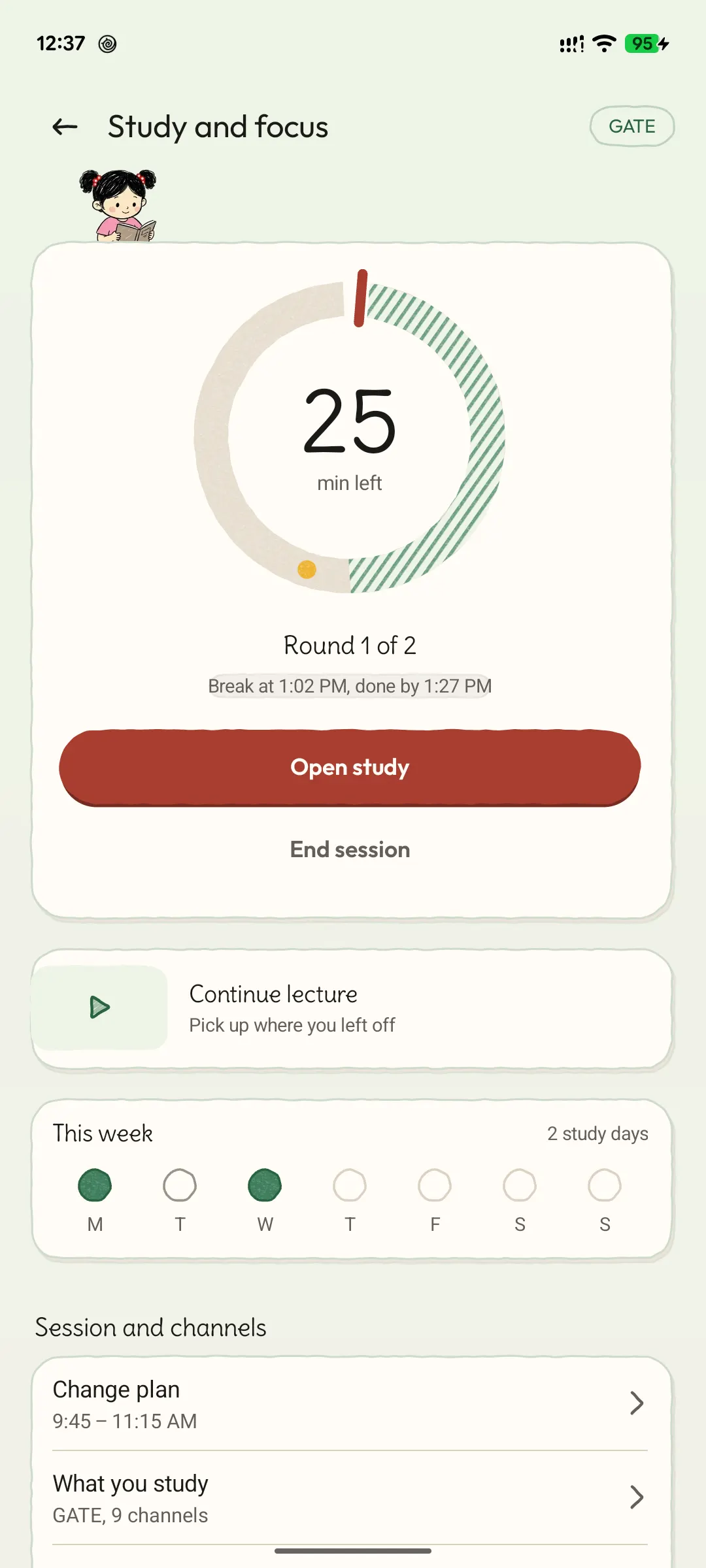
Rounds you planned
Set when study starts and ends, how long each round is and how long each break is. The ring shows what's left of the round.
- 3
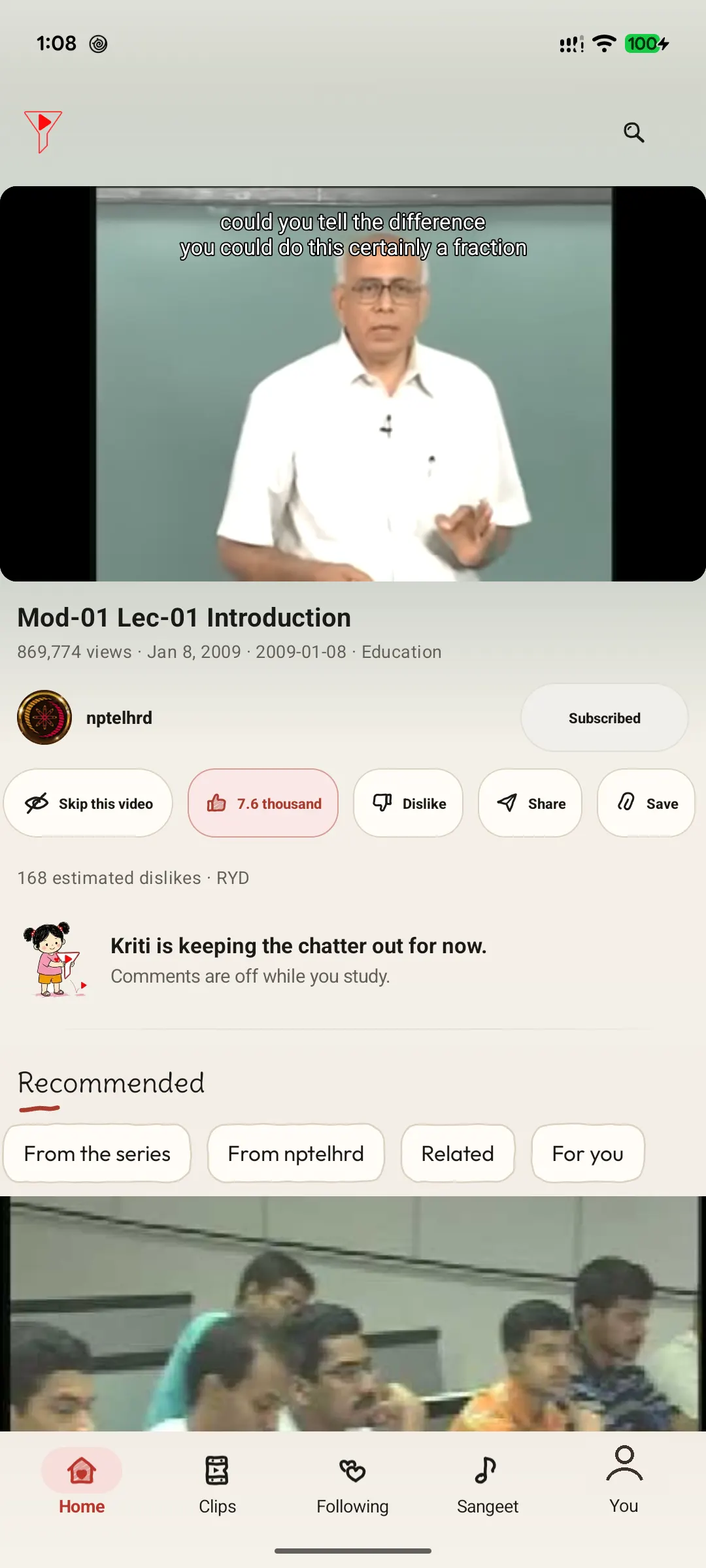
Only your plan's channels
During a round, Home, Search and Up next come only from the channels and topics in your plan. Comments stay off while you study.
- 4
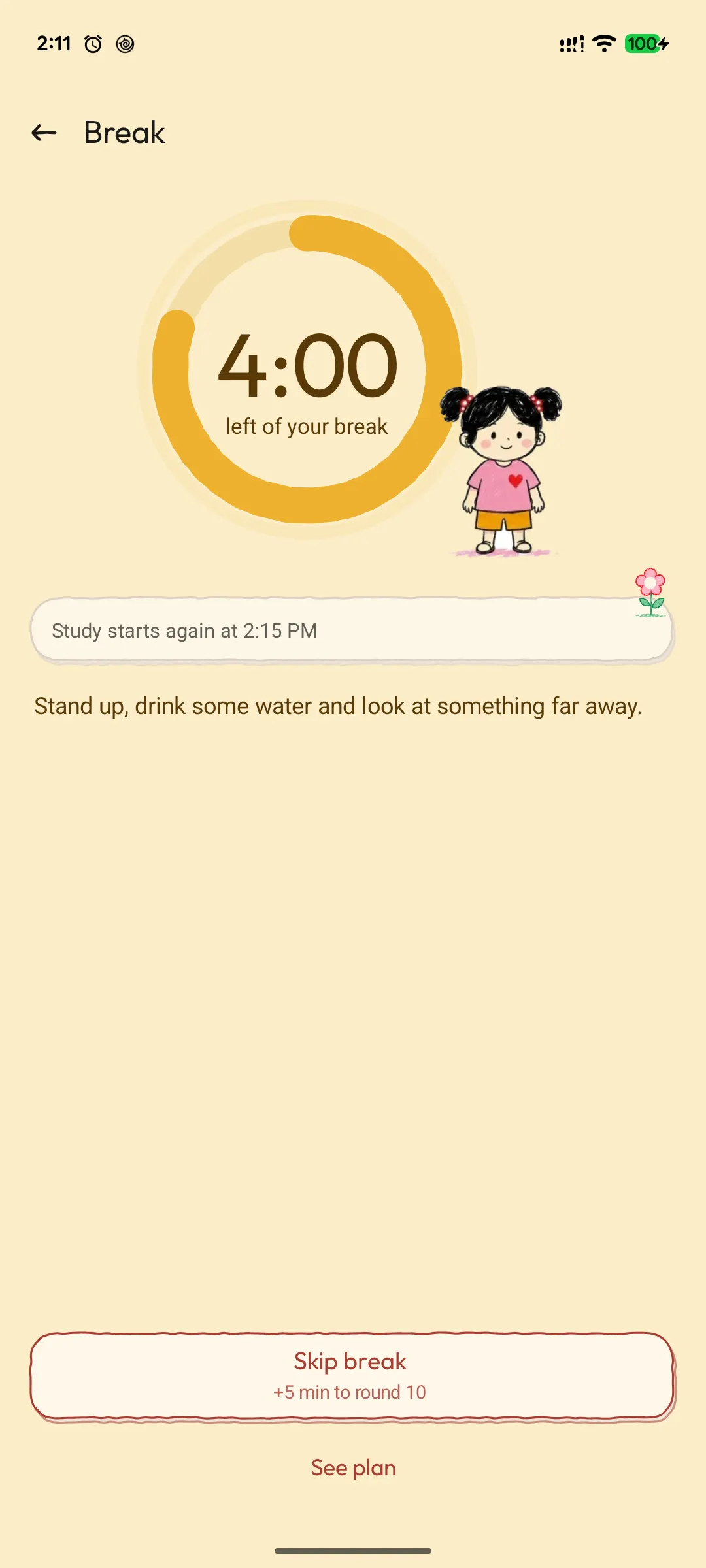
Breaks are real breaks
Breaks hide the feed. Stand up, drink some water, look at something far away. On a roll? Skip break adds the time to the next round.
- 5
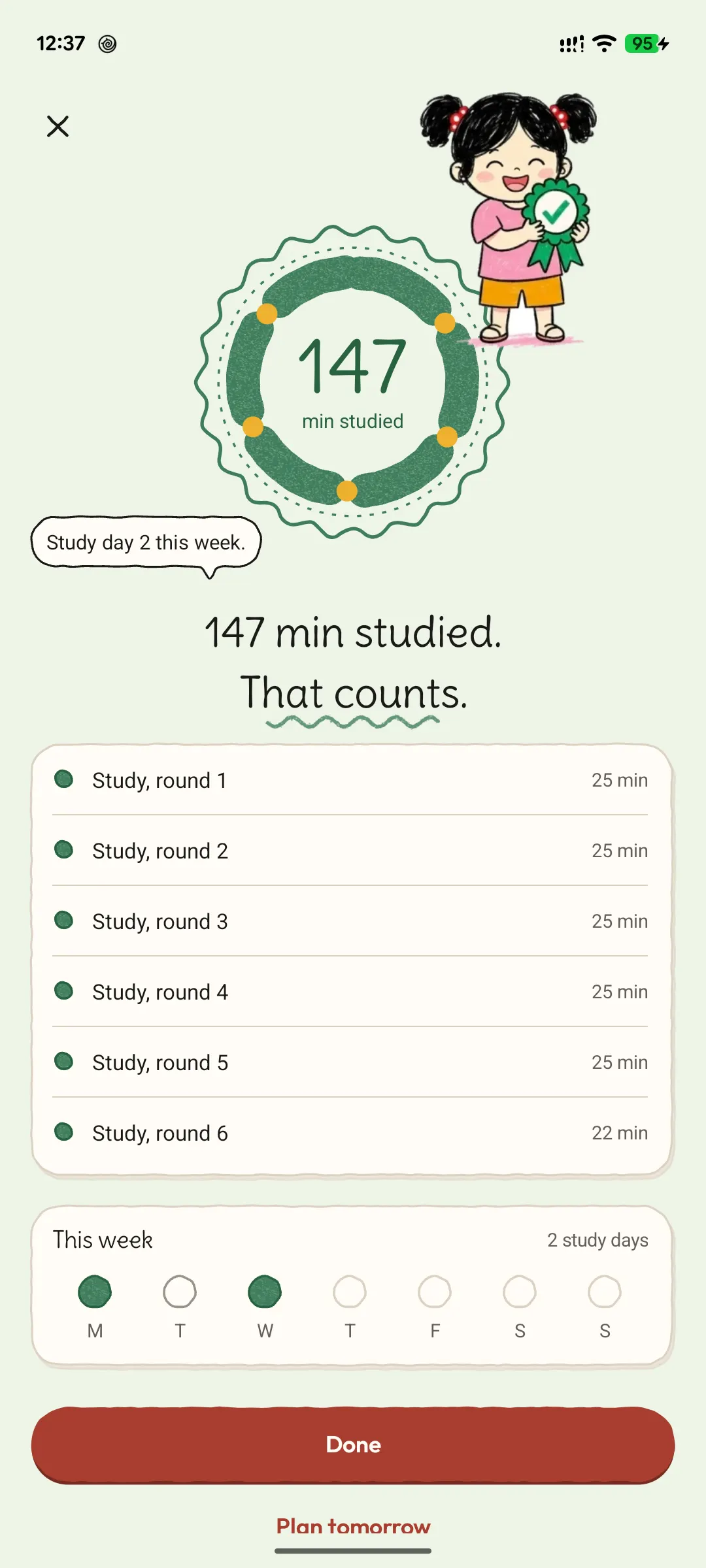
Then, “That counts”
When the day's rounds are done, every one is listed and the minutes add up to your week.
Also in Study
- Kids learning by age fills a child's Kids space with age-picked lessons during study.
- In the browser extension, a child can ask a parent for 10, 20 or 30 more minutes during Study.
- Study works in the browser extension and in the Android and iPhone/iPad apps.
Timetable, widget and calendar
- A calendar-style weekly timetable switches what you see by time of day: give each day its periods, such as maths 5 to 6 pm, in 15-minute steps, and Study starts and ends on its own.
- Copy this day to… fills other days at once, and you can hide Clips and comments during periods. A parent sets a child's timetable; the child sees it read-only.
- Add to my calendar saves the week as a calendar file that repeats every week. FilterTube asks for no calendar permission and reads nothing back.
- Tablets and iPad show the whole week as a grid, and Android TV shows today's periods, edited with the remote.
- A home-screen widget shows the study period now and the next one, and a long press on the FilterTube icon lists the week's busiest study lanes.
- The catalog has 415 packs with more than 3,000 channels for 81 countries: exams, school classes, 53 degree tracks and 27 interview tracks, with local channels first.